LTMS Portal Client ID – What Is It & How to Find Your LTO Client Number (Complete Guide 2026)
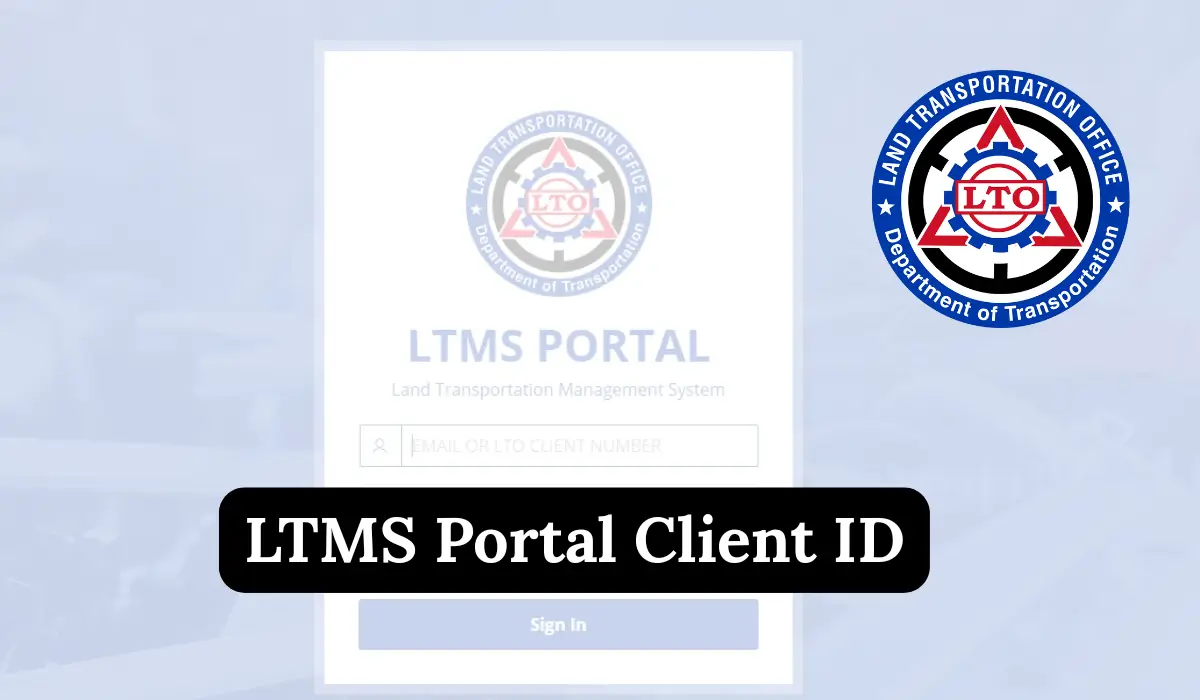
LTMS Portal Client ID. If you are trying to access the LTMS Portal for your driver’s license, motor vehicle registration, or any LTO online service in the Philippines, you must have a Client ID. Many new users don’t know what this number means, how to find it, or what to do if they forget it.
In this detailed guide, we will explain everything step by step. I always make sure my guides are Esay and Unique.
Let’s start.
What Is the LTMS Portal?
The LTMS Portal (Land Transportation Management System) is an official digital platform of the Land Transportation Office (LTO). It allows citizens to do all LTO-related services online without visiting the office.
Services Available on LTMS Portal
You can use the LTMS Portal for:
- Driver’s license renewal
- Vehicle registration
- Online examination
- Schedule appointment
- Driving course certificates
- Motor vehicle documents
- Checking violations
- Viewing transaction history
- Updating personal information
To use all these services, you need a Client ID, which is your unique number inside the portal.
What Is an LTMS Portal Client ID?
Your LTMS Portal Client ID is a unique identification number given by the LTO (Land Transportation Office) when you create an account on the Land Transportation Management System (LTMS) Portal.
In simple way:It is your official LTO customer number, used to identify your profile for all online and offline transactions.
The Client ID is used for:
- Driver’s license application
- License renewal
- Vehicle registration
- Online appointments
- Online exams
- LTO documents and records
- Updating personal information
- Viewing violations, penalties, or demerits
- Checking transaction history
Without this Client ID, you cannot complete most services inside the LTMS Portal.
Why the LTMS Client ID Is Important
Your LTMS Client ID is like your permanent identity inside the LTO system. The government uses it to link all your:
- Driving records
- Previous registrations
- Traffic violations (if any)
- Uploaded documents
- Online applications
- License details
Even if your email changes, the Client ID remains the same.
This is why knowing your Client ID is very important.

Where Can You Find Your LTMS Portal Client ID?
After logging into your account, your Client ID is shown inside your profile area.
Here’s where to find it:
1. Through Your Profile
- Log in to portal.lto.gov.ph
- Click Profile
- Look under your name
- You will see a number labelled Client Number or Client ID
2. Through Your Dashboard
Sometimes the dashboard also shows:
- Client ID
- Account status
- License details
3. Through Your Email Confirmation
If you registered recently, your Client ID may also appear in the email confirmation from LTO.
How Do I Know My LTMS Client ID?
If you already have an account, follow these steps:
Step 1: Visit the Official LTMS Portal
Go to: https://portal.lto.gov.ph
Make sure your internet connection is stable.
Step 2: Log In to Your Account
Enter:
- Email Address
- Password
Click Login.
Step 3: Go to Your Profile
On the left side menu, click Profile.
Step 4: Your Client ID Will Be Displayed
You will see your:

- Full Name
- Birthday
- Client Number (Client ID)
This is your official LTMS Client ID.
How to Find Your LTMS Client Number Without Logging In?
Some people forget their login details and want to see their Client ID.
Unfortunately, you cannot see your Client ID without logging in.
But don’t worry there are 2 ways to retrieve it:
Method 1: Recover Login & Access Profile
If you forgot your login:
- Go to LTMS Portal
- Click Forgot Password
- Enter your registered email
- Check your inbox for the reset link
- Create a new password
- Log in → check your profile → find your Client ID
Method 2: Visit the LTO Office
If you forgot:
- Your email
- Your mobile number
- Your password
Then you must visit the nearest LTO branch to retrieve your account with proper verification.
What If I Forgot My LTMS Client ID?
Many people forget their Client ID, especially if they created the account long ago.
Don’t worry you can easily retrieve it.
Method 1: Log In and Check Your Profile
If you remember your email and password:
- Log in
- Go to Profile
- Client ID will appear instantly
Method 2: Forgot Password Option
- Click Forgot Password
- Enter your registered email
- Reset your password
- Log in and check your Client ID from the profile
Method 3: Check Your Email Inbox
Search your inbox for:
- “LTMS”
- “LTO Portal”
- “Client ID”
Sometimes they include your Client ID in registration emails.
LTMS Client ID vs. Driver’s License Number (Know the Difference)
Many users get confused, so I will explain clearly.

LTMS Client ID:
- A unique number for your LTMS account
- Given during registration
- Used inside the portal
Driver’s License Number:
- Found on your physical license card
- Used for driving checkpoints
- Not the same as Client ID
They are two different numbers.
Can You Change Your LTMS Client ID?
No: The Client ID is assigned automatically and cannot be edited, changed, or deleted.
Even if you update your email or profile information, the Client ID will always stay the same.
Common Problems Users Face (And Solutions)
Here are issues many people face when trying to access their Client ID:
1. I forgot my password
Solution:
- Use Forgot Password
- Reset through email
- Log in again
2. I forgot my registered email
Solution:
- Check old emails
- Search “LTMS” or “LTO”
- Contact LTO support
3. My LTMS Client ID is not showing
Solution:
- Refresh the page
- Log out and log in
- Complete your profile (incomplete accounts sometimes hide the ID)
4. The website is not loading
Solution:
- Try another browser
- Clear cache
- Use a stable internet connection
- Try again during off-peak hours
Why the LTMS Portal Is Important in 2026
The LTO is going fully digital.
Using the LTMS Portal, you can:
- Renew your driver’s license online
- Book an appointment
- Access the driver’s manual
- Take the Diagnostic Exam
- Apply for vehicle registration
- Check demerit points
- Update contact information
The system saves time and avoids long lines at physical LTO branches.
Why You Should Never Share Your LTMS Client ID Publicly
Your Client ID is part of your identity inside LTO.
Sharing it with strangers can cause:
- Security risks
- Wrong transactions
- Unauthorized access
- Identity misuse
Always keep your Client ID private.
LTMS Portal Tips From Me
Since I have used this system personally while researching for my articles, here are some helpful tips for beginners:
Use the same email always
Don’t create multiple accounts.
One account = one Client ID.
Keep your profile updated
LTO may block accounts with wrong or outdated information.
Take screenshots
Screenshot your:
- Client ID
- Password reset confirmation
Use desktop if possible
The portal works better on a laptop/computer than on some mobile phones.
Always log out after use
This keeps your account safe.
Quick Summary of LTMS Client ID Information
| Topic | Explanation |
|---|---|
| What is Client ID? | Your unique ID inside LTMS Portal |
| Purpose | For all LTO services (license, registration, exams) |
| Where to find | Profile section after login |
| Can it be changed? | No |
| When is it created? | During account registration |
| Do new users get a Client ID? | Yes, automatically assigned |
| Needed for transactions? | Yes, for almost everything |
| Retrieval options | Log in → Profile → Client ID |
FAQs
What is the LTMS Portal Client ID?
Ans: It is your unique identification number inside the LTO online system, used for all digital services.
How do I find my Client ID?

Ans: Simply log in to the LTMS Portal and open your Profile section.
Is my Client ID the same as my driver’s license number?
Ans: No. They are different numbers.
How do I recover my Client ID if I forgot it?
Ans: Log in to the portal and check your profile. You can reset your password if needed.
Can I register again to get a new Client ID?
Ans: No. The system prevents duplicate accounts.
Why is my Client ID not showing?
Ans: You might need to complete your profile or refresh the page.
Can foreigners get a Client ID?
Ans: Yes. Foreign nationals can also register on LTMS.
Is the LTMS Portal free to use?
Ans: Yes. Creating an account and checking your Client ID is completely free.
Conclusion
Your LTMS Portal Client ID is one of the most important parts of using the LTO online system. Whether you want to renew your license, register a vehicle, or check your records, this number connects everything in your account.