LTO Text Scam 2026: A Complete Guide to Scam Text Message, Text Message Violation And Unsettled Violation Text Under RA 10913
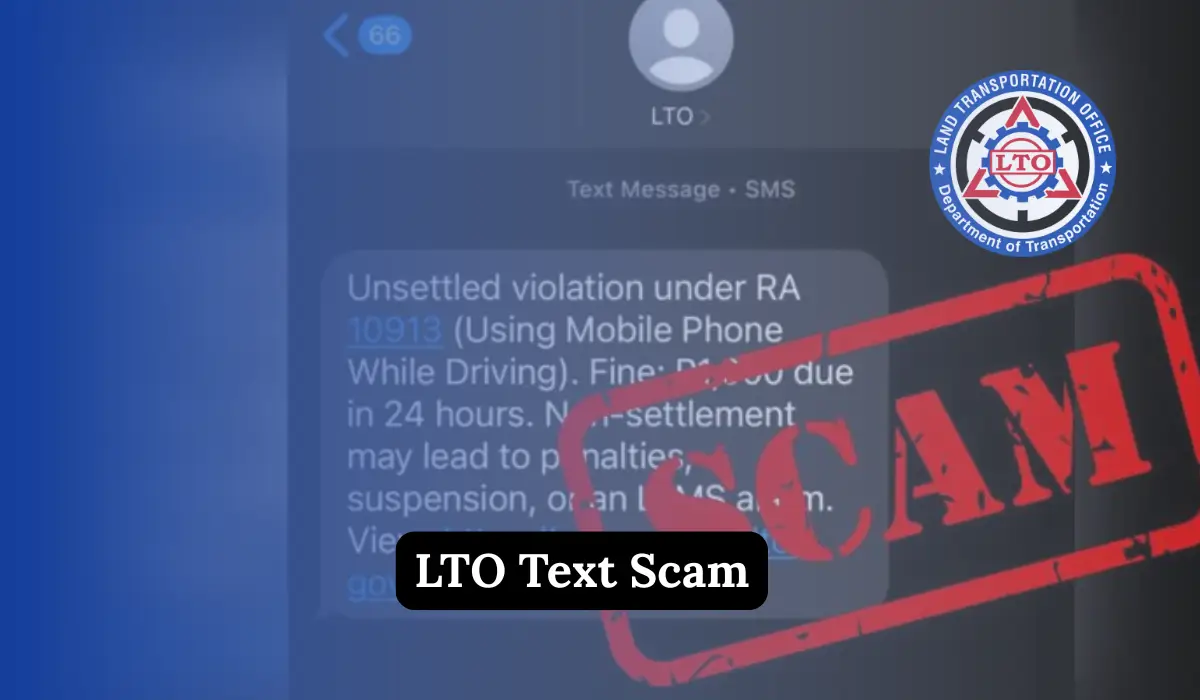
LTO Text Scam. In the last few months, many vehicle owners in the Philippines have received alarming text messages claiming they have an unsettled traffic violation from the Land Transportation Office (LTO). These messages often demand quick payment and threaten license suspension.
In this article, I explain how the LTO text message violation scam works, how to identify fake LTO unsettled violation texts, whether LTO really sends text messages for violations, and how to verify your real status only by using official LTO websites.
What Is the LTO Text Scam?
The LTO text scam is a fake SMS message sent by scammers pretending to be from the Land Transportation Office. These messages usually claim that:
- You committed a traffic violation
- You have an unsettled violation under RA 10913
- You must pay a fine within 24 hours
- Your driver’s license will be suspended if you don’t pay
The message also includes a suspicious link that looks like the LTO’s official LTMS portal.
This is 100% fake.
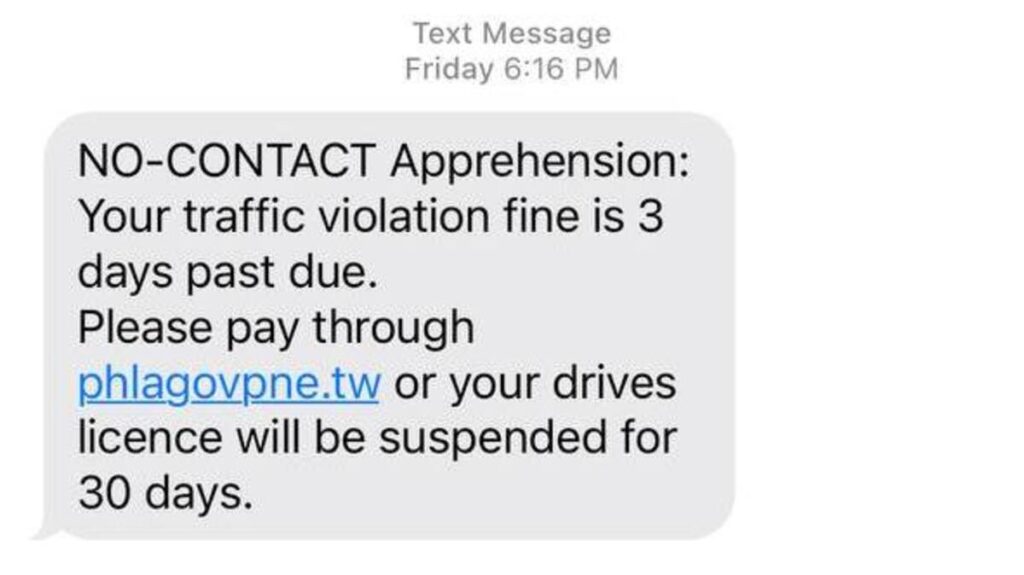
Sample of a Fake LTO Scam Text Message
Most victims report receiving messages like this:
“You have an unsettled violation under Republic Act No. 10913 – using mobile phone while driving. Please pay ₱1,000 within 24 hours to avoid license suspension. Visit: https://ltms-portal.com”
This message is not sent by LTO.
What Is RA 10913 and Why Scammers Use It
Republic Act No. 10913 is a real law in the Philippines. It penalizes drivers for using mobile phones while driving.
Scammers use this law name to:
- Make the message look official
- Create fear and urgency
- Trick people into paying quickly
But LTO does NOT send violation notices by SMS, even for RA 10913 offenses.
Official Statement from LTO About Scam Text Messages
The Land Transportation Office (LTO) has officially warned the public that:
- LTO does not send traffic violations through SMS
- LTO does not ask for online payment via text links
- All such messages are scams
LTO Assistant Secretary Vigor Mendoza II clearly stated that these messages are designed to steal personal and financial information.
If you receive one, it means it came from scammers.
Does LTO Send Text Messages for Traffic Violations?
No. LTO does NOT send text messages for traffic violations.
Let me make this very clear:
- No SMS violation notice
- No payment request by text
- No links sent via message apps
LTO transactions are handled only through:
- Physical LTO offices
- The official LTMS portal
Anything outside this process is fake.
How the LTO Text Scam Works
Here is how the scam usually happens:
- You receive a text message from a random number
- The message claims an unsettled traffic violation
- It creates fear by threatening license suspension
- It pushes you to act fast
- You are sent to a fake LTMS website
- The site asks for personal and bank details
Once victims enter their information, scammers steal their data or money.
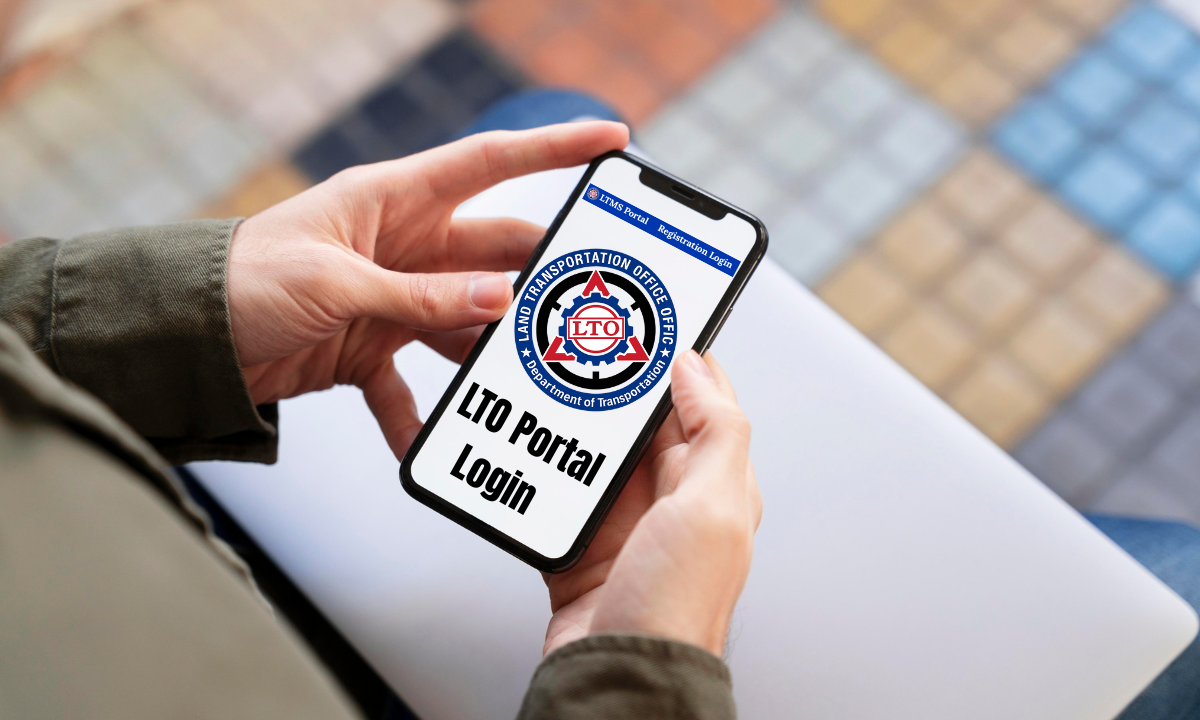
Fake LTMS Websites Used in the Scam
Scammers create phishing websites that look similar to real LTO portals.
Common fake links include:
- ltms-portal.com
- ltms-portalph.com
- lto-ltms.online
These websites are not connected to LTO and are used only to steal information.
ONLY Official LTO Websites You Should Trust
To stay safe, remember these only official LTO websites:
- https://lto.gov.ph – Official LTO website
- https://portal.lto.gov.ph – Official LTMS portal
- https://www.ltoncr.com – LTO-NCR official website
If a link does not match these exactly, do not open it.
Key Signs of an LTO Scam Text Message
Here are clear warning signs that a message is fake:
1. Unknown Sender Number
LTO does not use random mobile numbers.
2. Urgent Payment Demand
Messages say “pay within 24 hours” or “final notice”.
3. Threats
They threaten license suspension, alarms, or penalties.
4. Suspicious Links
Links do not end with .gov.ph.
5. Requests for Personal Data
They ask for license plate numbers, bank details, or e-wallet info.
If you see any of these signs, it is a scam.
What To Do If You Receive an LTO Scam Text
If you receive one of these messages, follow these steps:
Step 1: Do NOT Click the Link
This is the most important step.
Step 2: Do NOT Pay Anything
LTO never asks for payment via SMS.
Step 3: Do NOT Share Information
Never enter license, bank, or e-wallet details.
Step 4: Delete the Message
Remove it immediately from your phone.
Step 5: Block the Sender
Prevent future scam attempts.
How To Check If You Have a Real LTO Violation
If you are worried about a possible violation:
- Open your browser manually
- Visit https://portal.lto.gov.ph
- Log in to your LTMS account
- Check your official violation records
Do not access the portal through a text message link.
Where To Report LTO Scam Text Messages
You can help stop these scams by reporting them to:
- Your nearest LTO district office
- Philippine National Police (PNP) Cybercrime Unit
- National Telecommunications Commission (NTC)
You can forward screenshots, links, and sender numbers to assist investigations.
Why These Scams Are Increasing
There are several reasons why LTO scam texts are increasing:
- More drivers are registered online
- Digital payments are common
- Scammers exploit fear and urgency
- Fake websites are easy to create
This is why public awareness is very important.
LTO’s Actions Against Scam Messages
The LTO is actively:
- Coordinating with PNP and DICT
- Tracking fake LTMS websites
- Posting warnings on social media
- Educating drivers during driving courses
LTO regional offices are also spreading awareness to protect motorists.
Why You Should Never Enter Your Details Online
When scammers get your information, they can:
- Steal money from your bank
- Access your e-wallet
- Use your identity for fraud
- Sell your data to others
Once data is leaked, it is very hard to recover.
Simple Safety Tips for All Motorists
Here are easy habits that can keep you safe:
- Never trust SMS payment demands
- Always type websites manually
- Check website spelling carefully
- Avoid clicking unknown links
- Stay updated with LTO announcements
These small steps can save you from big losses.
FAQs About LTO Text Scam
What is an LTO text scam?
Ans: An LTO text scam is a fake SMS that claims you have a traffic violation. The message asks you to pay a fine using a link. These messages are not sent by the Land Transportation Office and are meant to steal your money or personal information.
Does LTO send text messages for traffic violations?
Ans: No. The LTO does not send traffic violation notices through text messages, WhatsApp, or any messaging app. Any SMS claiming a violation is a scam.
Is the LTO unsettled violation text real?
Ans: No. Messages saying you have an “unsettled violation” are fake. LTO violations can only be checked through the official LTMS portal or at an LTO office.
What is the LTO text message violation under RA 10913?
Ans: Scammers often mention RA 10913 (using a mobile phone while driving) to sound real. Even though the law exists, LTO does not notify violations through SMS. These messages are scams.
How can I tell if an LTO text message is fake?
Ans: A fake LTO message usually:
- Comes from a random number
- Demands urgent payment
- Threatens license suspension
- Includes a suspicious link
- Asks for personal or bank details
If you see these signs, it is a scam.
What should I do if I receive an LTO scam text?
Ans: You should:
- Do not click the link
- Do not make any payment
- Do not share personal information
- Delete the message
- Block the sender
What happens if I click the scam link?
Ans: Clicking the link may redirect you to a fake LTMS website. This can lead to theft of your license details, bank information, or e-wallet funds.
How do I check real LTO violations?
Ans: To check real violations:
- Open your browser manually
- Visit portal.lto.gov.ph
- Log in to your LTMS account
Never use links sent through text messages.
Conclusion
LTO text scam messages are fake, dangerous, and designed to steal your money and information. The Land Transportation Office has clearly confirmed that they do not send traffic violation notices via SMS.